Write it once. Run it natively everywhere.
Desktop and mobile apps the way Electron makes them, without shipping a browser. UI, games, 3D, video and hardware, from one strict, typed subset of TypeScript and JSX, from a Mac to an ESP32.
$ brew install frulko/zinc/zincbrew update && brew upgrade zinc installs each new release.$ zinc new desktop-app my-app && cd my-app
created my-app (desktop-app); next: cd my-app && zinc run
$ zinc dev
zinc dev: v1 refreshed src/pages/home.tsx (560 ms after the save)
$ zinc build --target aarch64-linux
$ zinc flash --target esp32
same source, another screen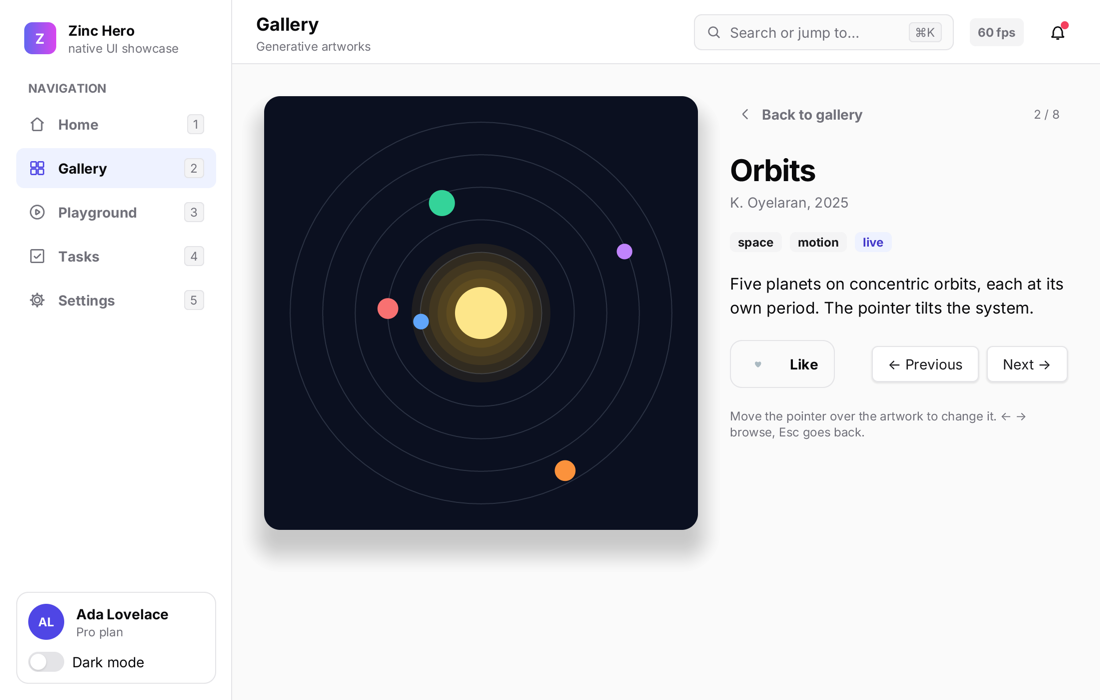
Fast to start, small to ship, wide to run.
Native, not embedded
Interpreted while you work, compiled to C++ when you ship: one executable, no JavaScript engine or browser inside.
Any JavaScript engine
Plain JavaScript and npm packages run on QuickJS (built in), JavaScriptCore, V8 or Hermes: one flag, the same program, plugins and WebGL.
One program, every screen
A Mac, Windows, Linux, every Raspberry Pi, a reMarkable, an HP TouchPad from 2011, an ESP32, a PS2.
Fast Refresh
zinc dev swaps each save into the running app: the window and the state stay, the page you were on, what you typed, the round in progress.
Batteries included
One zinc command builds, runs, debugs, tests, packages and flashes. Cross builds need no Docker and no SDK.
UI people already know
Solid or React models, Tailwind-like classes, a shadcn-style kit, Nuxt UI 4 and React Native components, on a GPU renderer.
Web APIs on real devices
fetch, WebSocket, crypto.subtle, localStorage, and the battery, sensors, vibration and notifications of the device.
45 plugins
three.js, video, sound, MIDI, maps, physics, SQLite, Sonos, Spotify, and drivers for LED matrices, e-ink and OLED screens.
From a desktop app to a microcontroller.
The same engine and the same language. Cross builds use a pinned zig toolchain that zinc toolchain downloads.
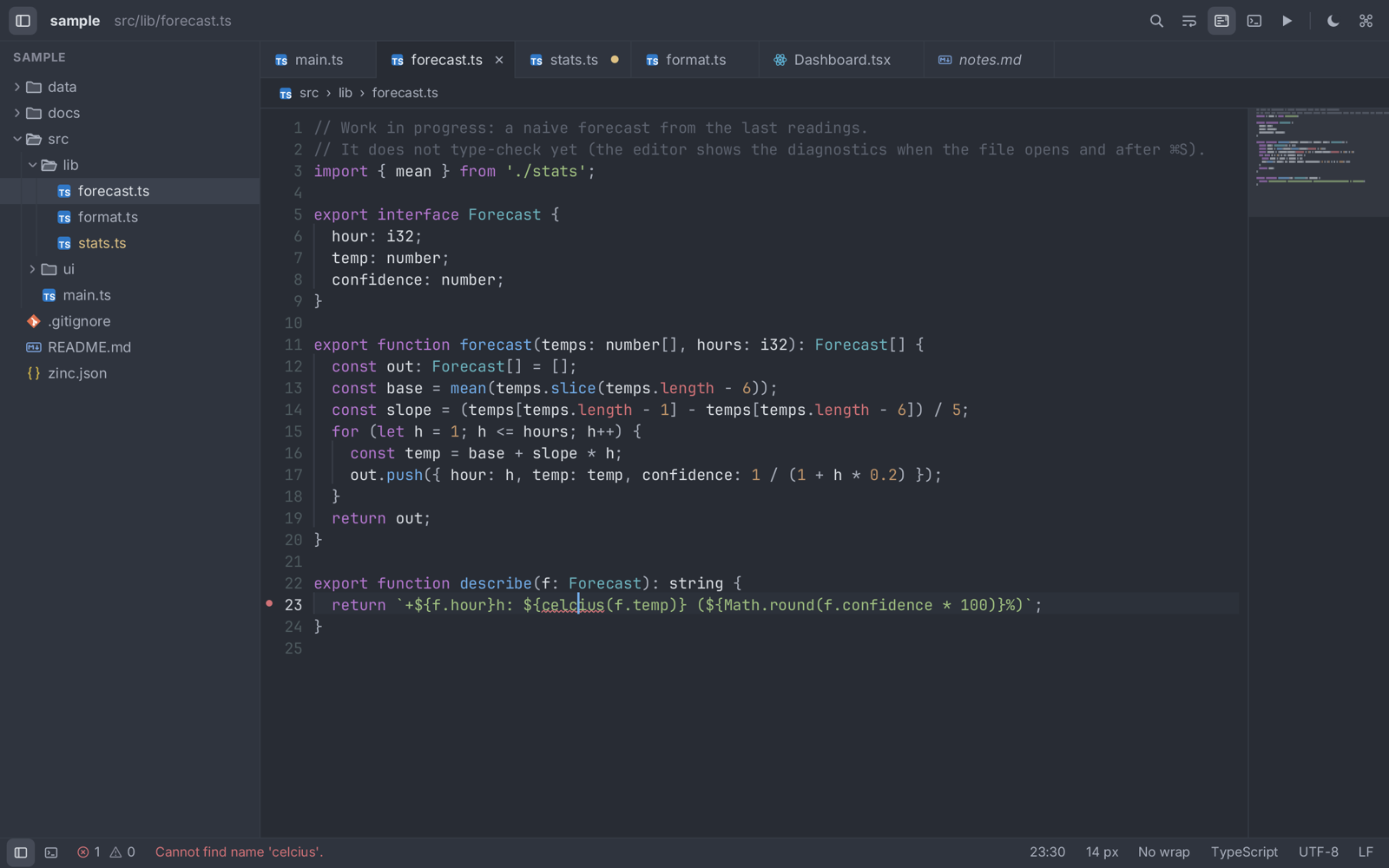
zinc run examples/zed-editor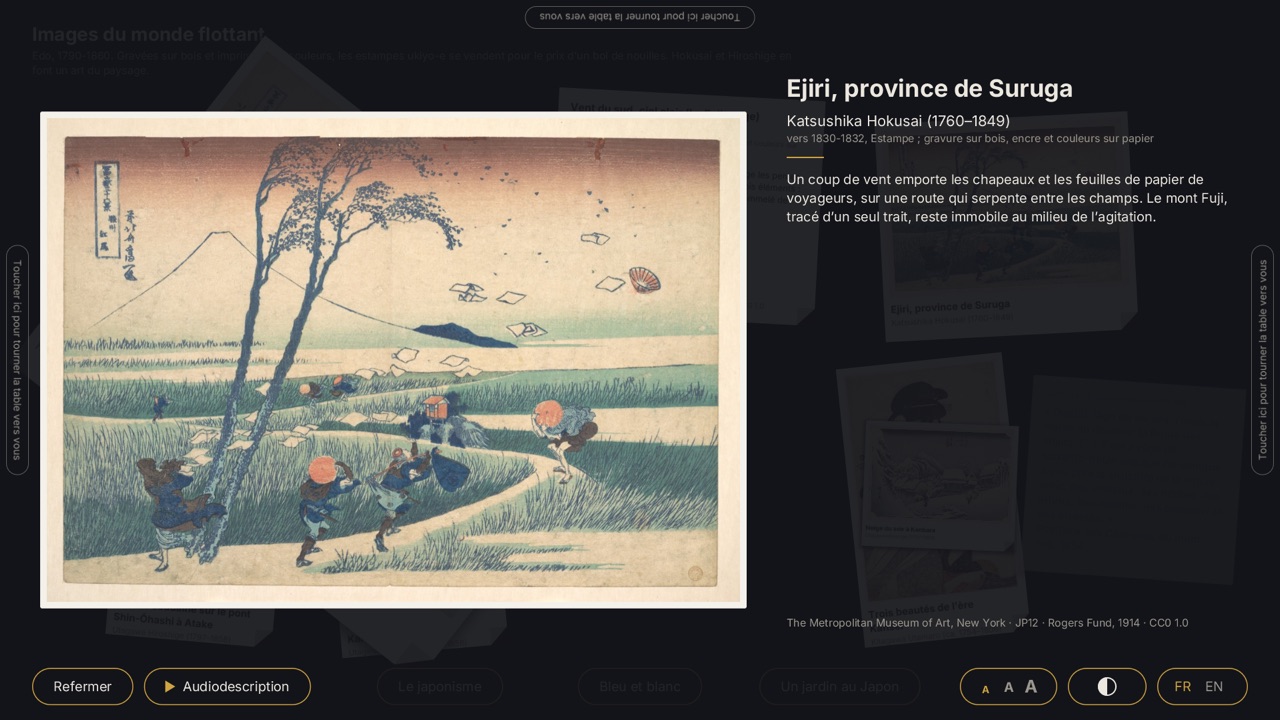
zinc run examples/museum-table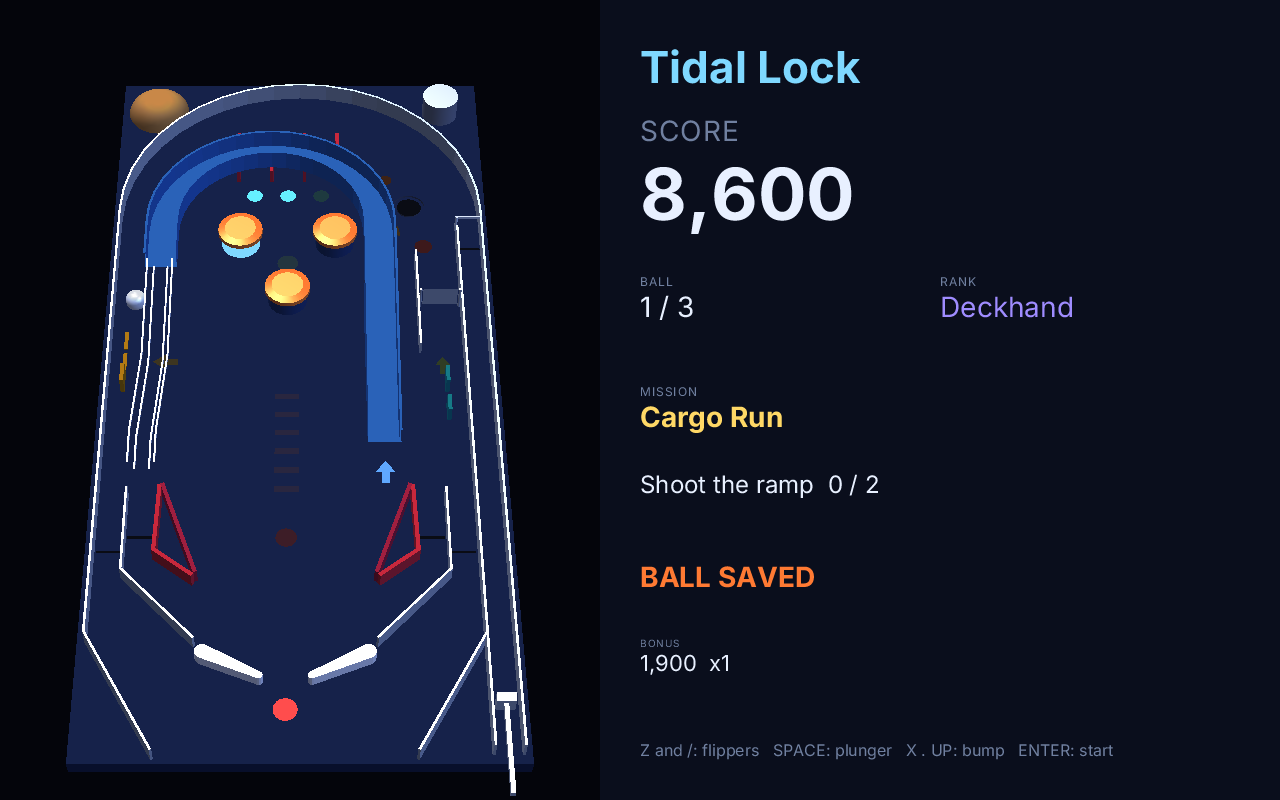
zinc run examples/pinball3d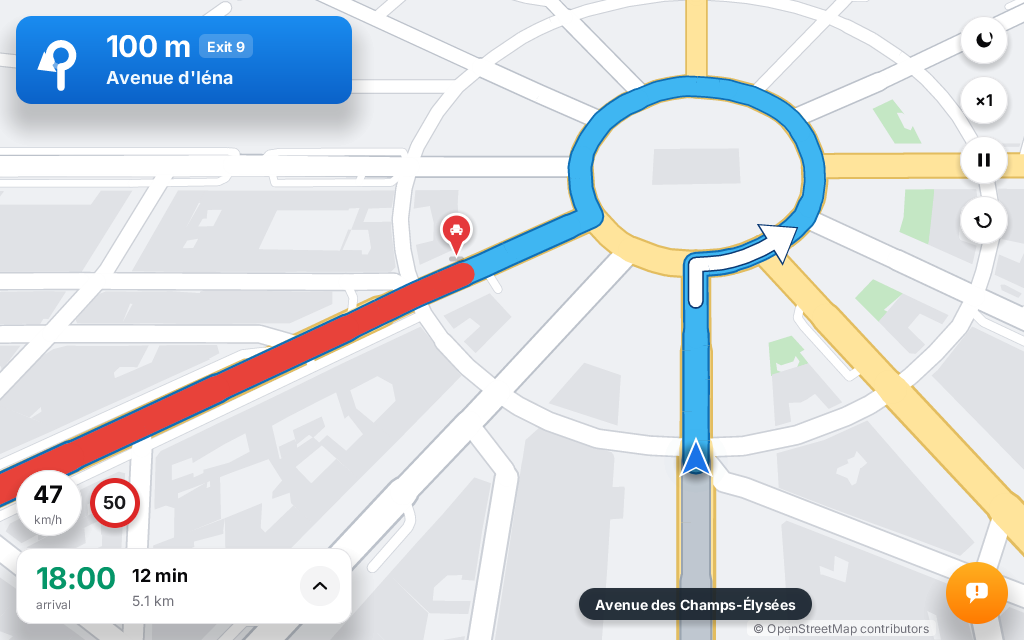
zinc run examples/maps/navigation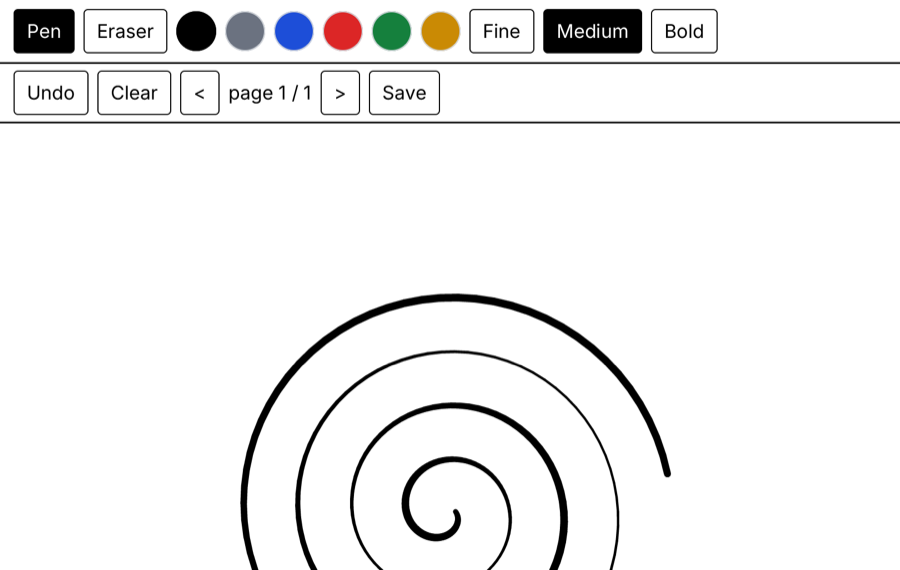
zinc run examples/remarkable/notes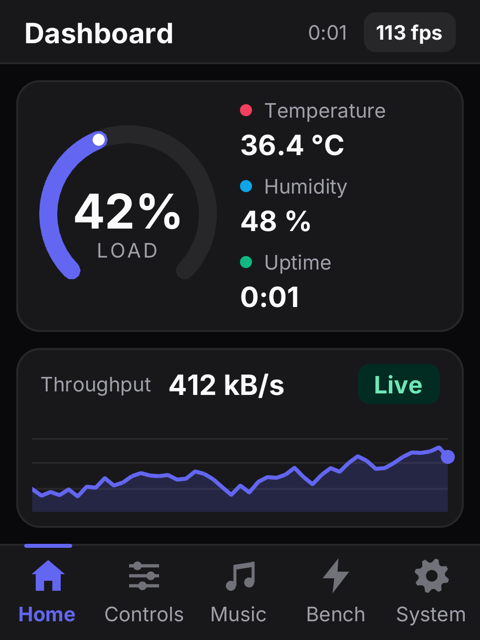
zinc run examples/boards/esp32-2432s022Bring your JavaScript, pick the engine.
Typed Zinc compiles to native code. Plain JavaScript runs on the engine you choose with --engine or "engine" in zinc.json, unchanged. Every engine is bound through Node-API, so plugins, WebGL and WebAssembly are written once; the engines you do not use are downloaded, signed and checked, only when a program asks for them.
| Engine | Comes from | Call into Zinc | hero, 600 frames | Memory | For |
|---|---|---|---|---|---|
| QuickJS | built into zinc | 70 ns | 1.04 s | ~50 MB | smallest, every platform |
| JavaScriptCore | macOS | 115 ns | 0.94 s | ~140 MB | nothing to download on a Mac, Safari inspector |
| V8 | pack, 14 MB | 52 ns | 0.53 s | ~80 MB | the fastest, Chrome DevTools |
| Hermes | pack, 2 MB | 50 ns | 0.89 s | ~70 MB | experimental; fast start from bytecode, no JIT needed |
Everything goes through one command.
| I want to... | Command |
|---|---|
| start a project from one of 13 templates (game, 3D, dashboard, IoT, e-ink, service...) | zinc new game my-game |
| run it, with Fast Refresh and a DevTools inspector | zinc run | zinc dev |
| run plain JavaScript (three.js, PixiJS, Phaser) as it is | zinc run app.js --engine quickjs |
| set breakpoints in VS Code or Chrome | zinc debug --dap | zinc debug --cdp |
| understand an error | zinc explain Z0104 |
| test on the interpreter, in native code, on QuickJS or a simulated device | zinc test --runner aot |
An honest note
Zinc has been a project of several years, and of many failures. It exists today thanks to intensive help from AI; the direction, the design choices and the tests on real hardware stay human. Read the whole note.